

Voice4Fun
Record your voice and turn it into a robot, a monster, a ghost and more.
Coming soon to the App Store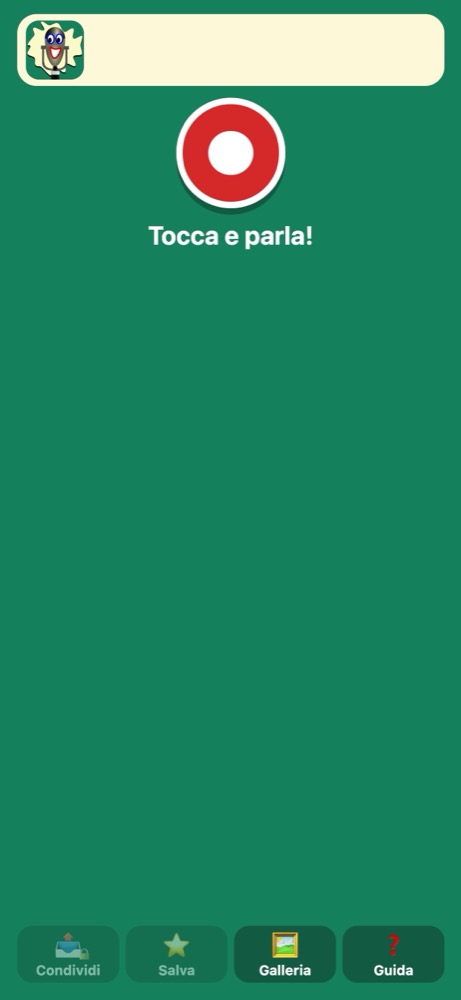
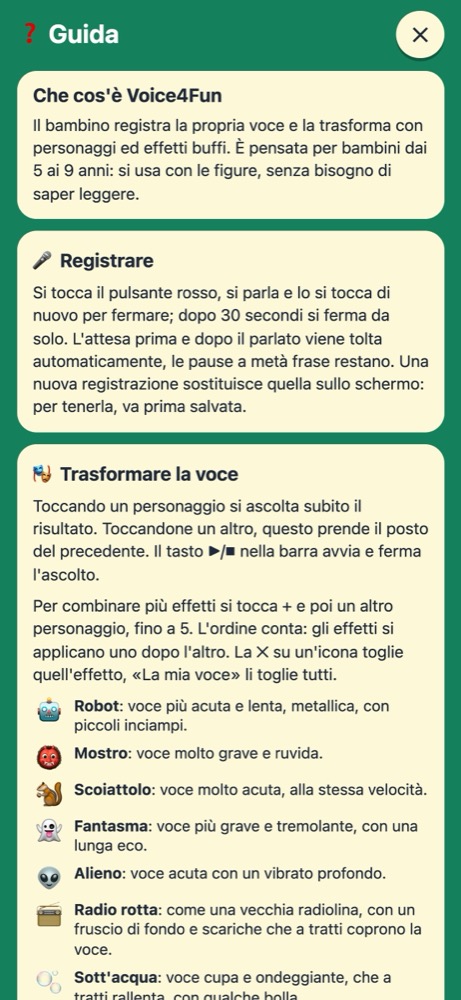
How it works
- 1
Record
Tap the big red button and talk, for up to 30 seconds. The wait before and after speaking is trimmed automatically.
- 2
Transform
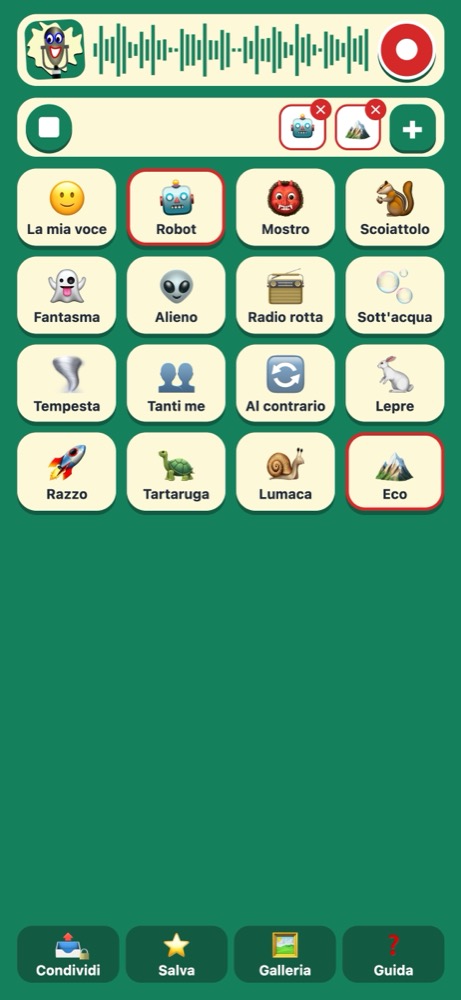
Tap a character and hear the result right away. With + you can stack up to 5 effects, and the order matters.
- 3
Save
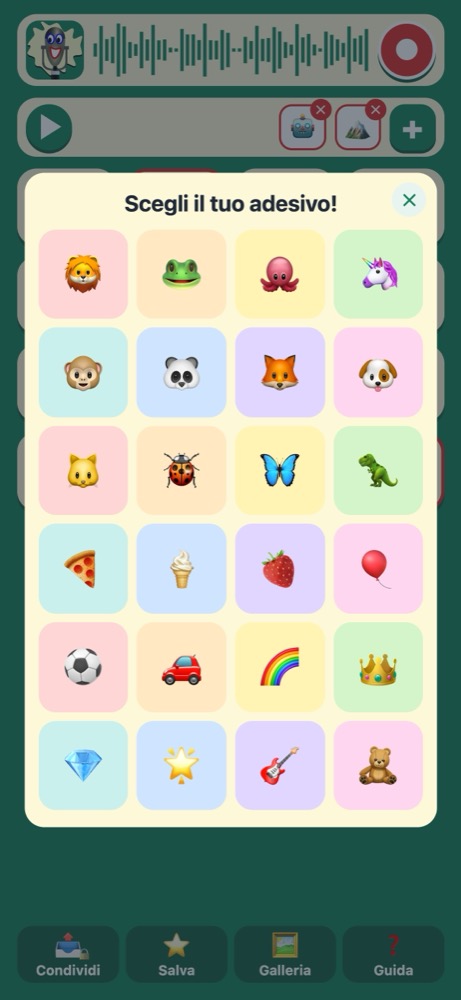
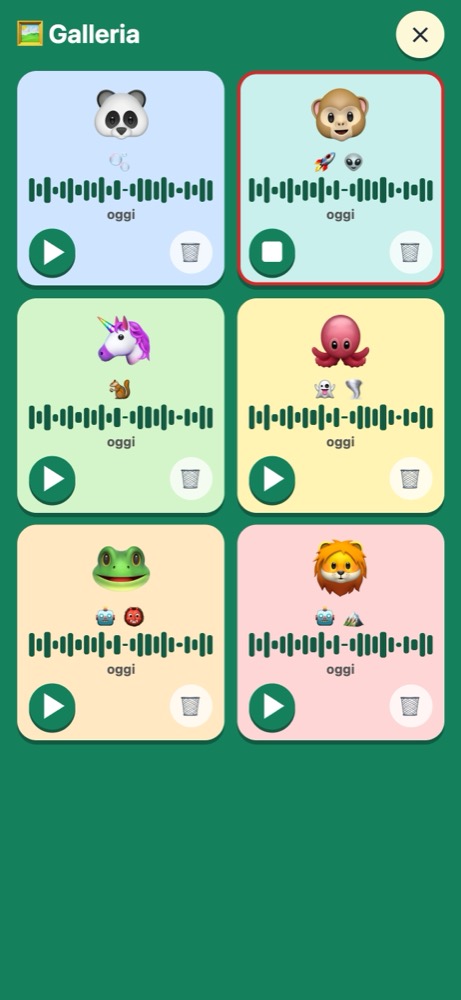
Children pick a sticker for each sound: in the gallery they recognize it even before they can read, listen again or reopen it to change it.
15 effects
Each effect is a character, and they can be combined.
- 🤖Robot: higher and slower, metallic, with little stumbles.
- 👹Monster: very deep and rough.
- 🐿️Squirrel: very high, at the same speed.
- 👻Ghost: deeper and trembling, with a long echo.
- 👽Alien: high, with a deep vibrato.
- 📻Broken radio: like an old radio, with background hiss and bursts of static that sometimes cover the voice.
- 🫧Underwater: muffled and wavering, slowing down at times, with a few bubbles.
- 🌪️Storm: gusts of wind, and the speaker sometimes raises their voice to be heard.
- 👥Many me: many identical voices, like a small choir.
- 🔄Backwards: the sound from end to beginning.
- 🐇Hare: speech one and a half times faster, same pitch.
- 🚀Rocket: speech twice as fast, same pitch.
- 🐢Turtle: slower speech, same pitch.
- 🐌Snail: much slower speech, same pitch.
- 🏔️Echo: the voice repeats after a moment, quieter each time.
For parents
No data collected
No accounts, ads, analytics or in-app purchases. The app sends nothing over the network.
Everything on the device
Saved sounds stay on the phone or in its backup, if enabled. Deleting the app deletes them too.
Sharing is for grown-ups
A sound leaves the app only with the parental PIN, asked every time.
Guide included
A guide inside the app explains every feature.
For iPhone. The app speaks English, Italian, German, French, Spanish and Portuguese: it follows the phone's language.
Coming soon to the App Store